


To configure floorplan visit back-office–> floorplan–> configuration
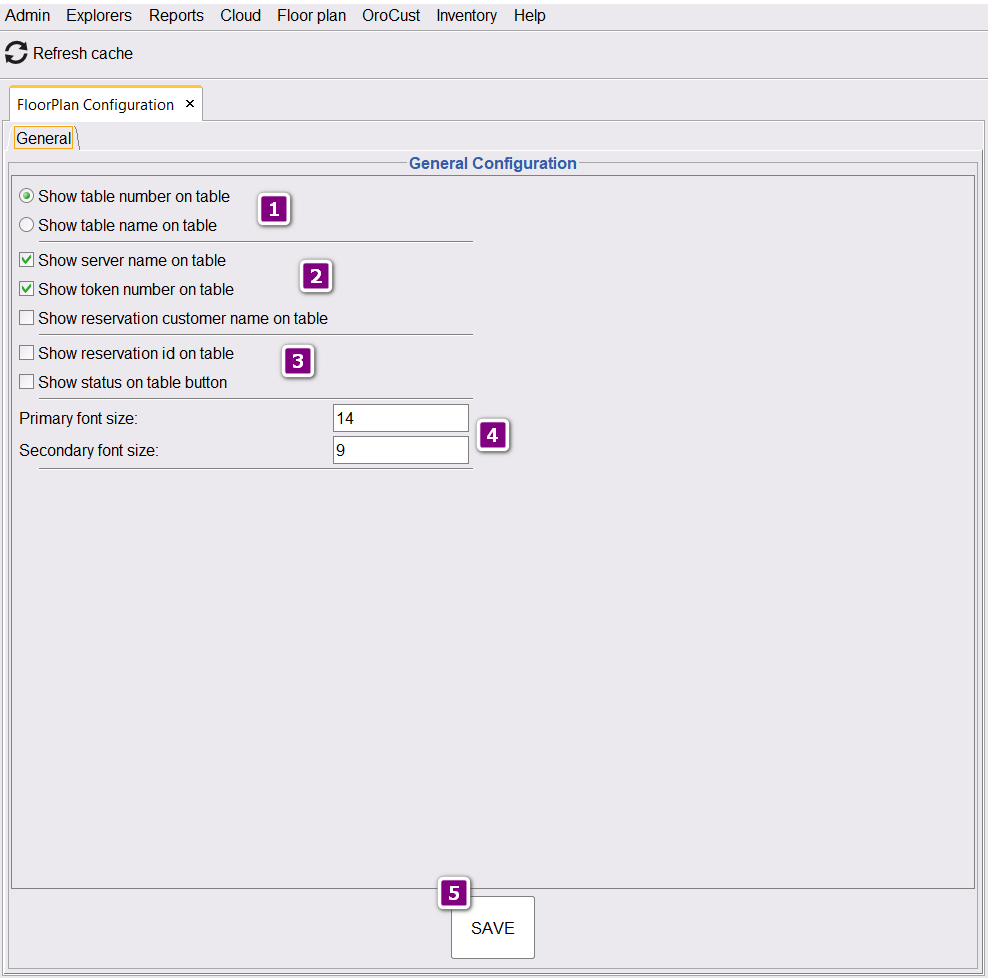
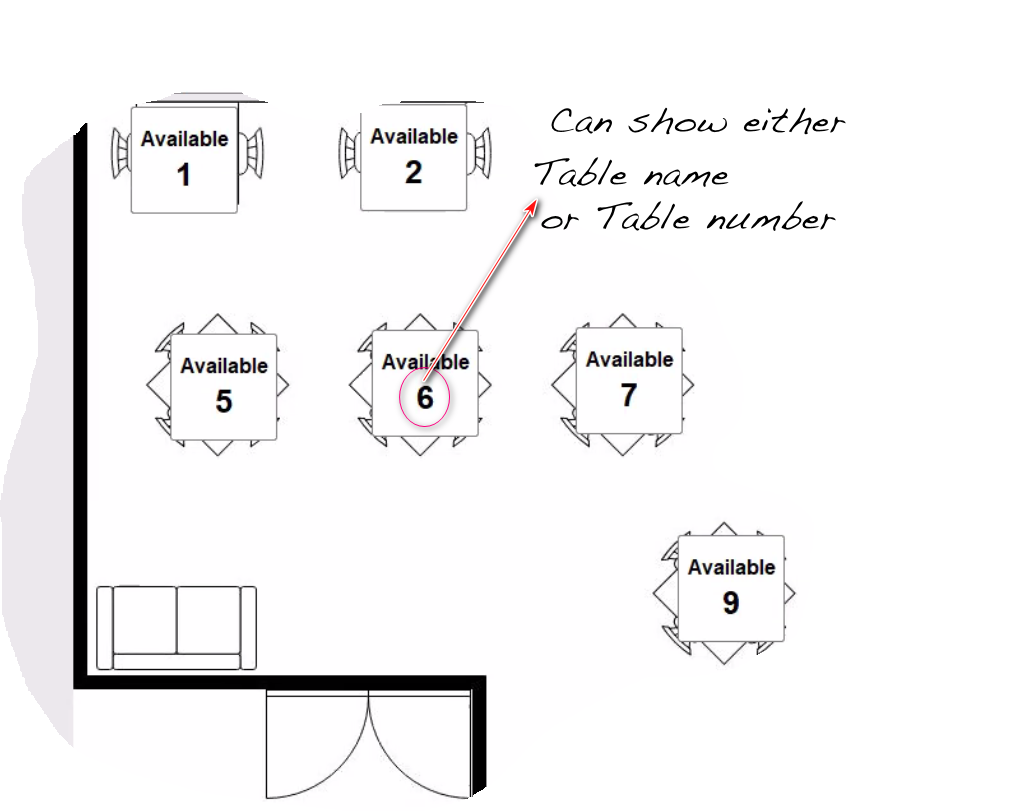
Show Table Name
The default option is to show the table number on the table button. Choosing the second option will show the table name there.
Other information in the table
- Server name on table,
- Token number on table and
- Reservation customer on table. By default the first two is activated.
Font size
Can change the font size of the information shown in the table.
- Primary font: Font size to show table number or name.
- Secondary font: Font size to show Server or token in the table.