


Migration is tested in Derby server (Floreant POS) to Derby server (Oropos) only.
1. Floreant POS database
If you are running Derby Single, you need to convert Derby Single to Derby Server.
1.1 Derby Single database to Derby Server.
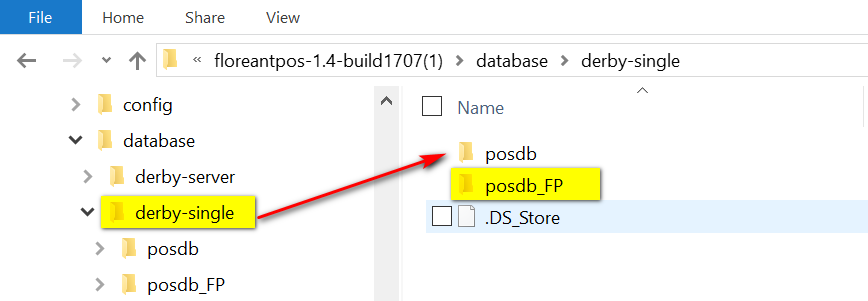
Go to Floreant pos folder. Copy your database from Derby Single folder to the Derby server. You can rename posdb to posdb_FP.
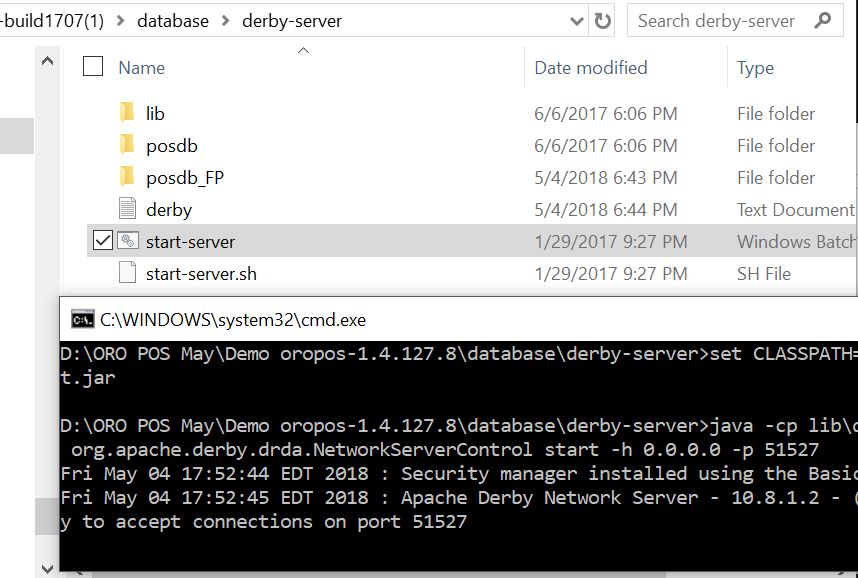
2. Restart Derby Server
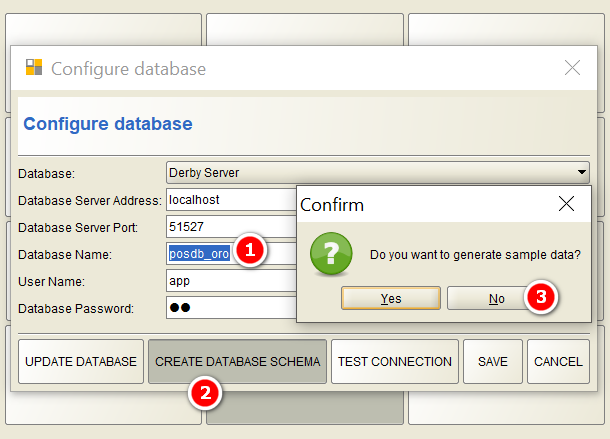
3. Set up an Empty database for ORO POS
4. Go to ORO POS Backoffice
Go to Backoffice->Admin menu select “Migrate from FloreantPOS” option

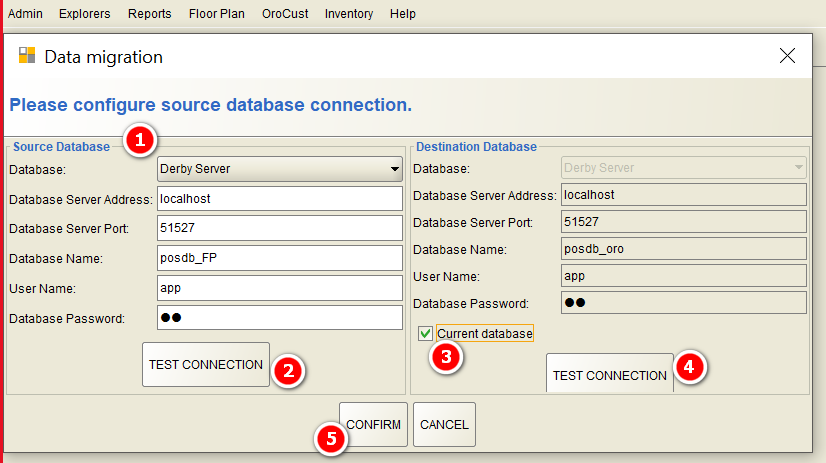
Setup source as Floreant POS’s database. In destination check “Current database”.
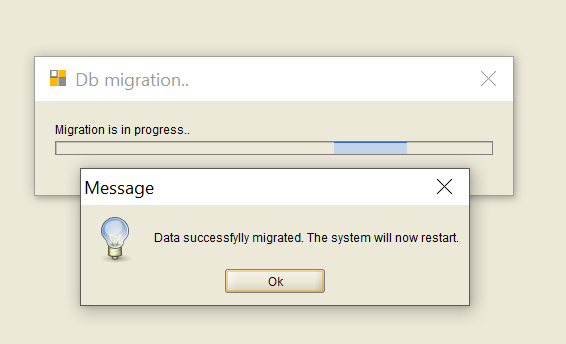
5. Restart ORO POS
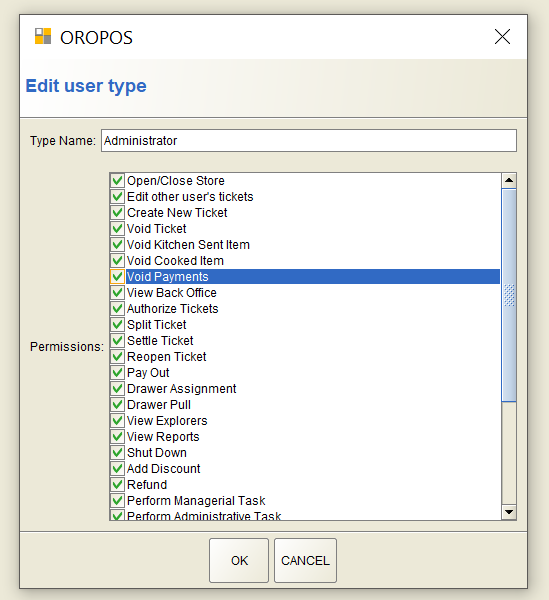
You can now log in to the back-office find all items. Please note that the Migration process will copy Menu items to OROPOS. There are new user permissions in ORO POS. So you have to re-assign them as follows
Build Menu pages, set images of items and you are done.