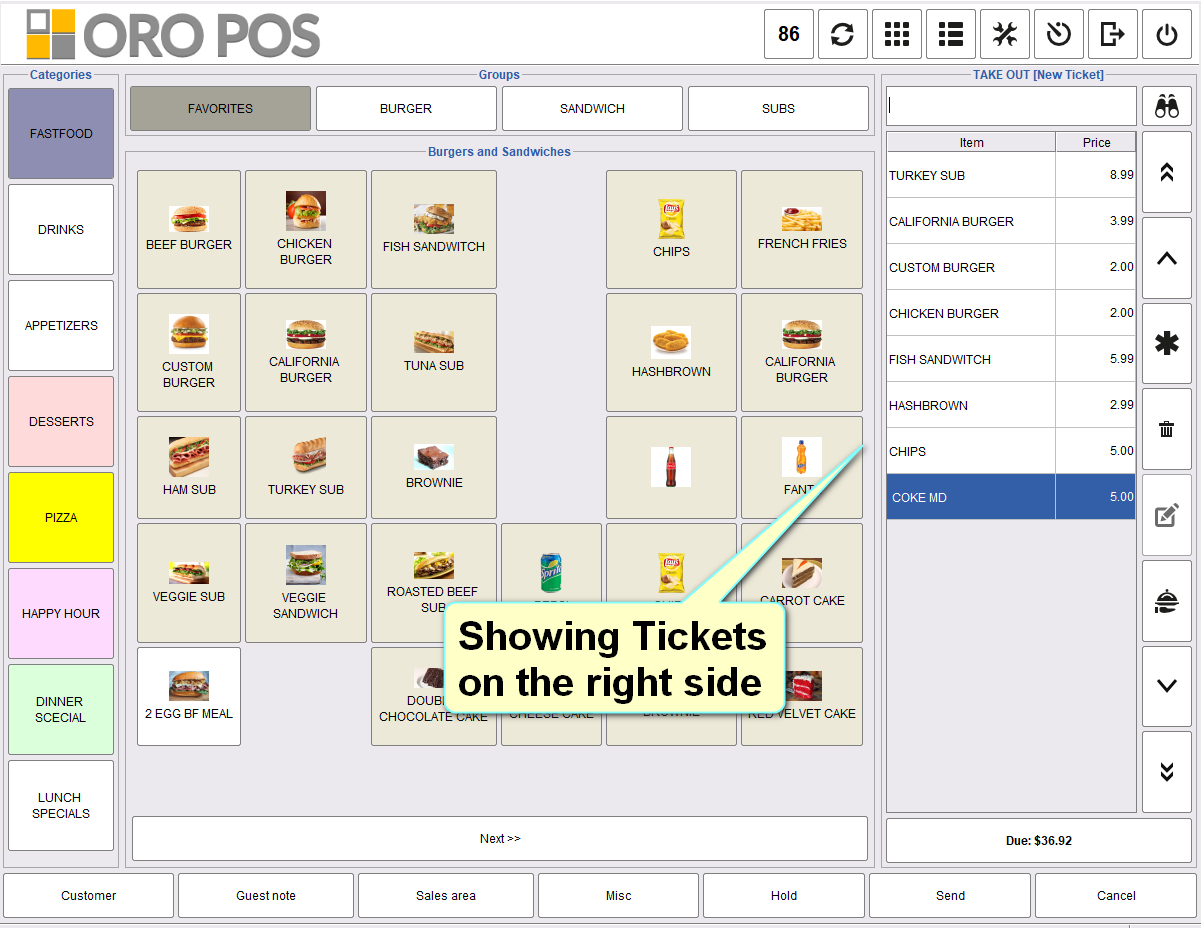
In order view, tickets are usually shown on the left side. But you can change the settings and let them show the tickets on the right side of the order view. Following instructions will show the tickets on the right side of the order view.
Back office–> admin–> store configuration–> UX–> select show ticket on right side in the order view–> press ok to save and restart the POS.