

Generating Gift Card
In ORO POS, you can generate gift cards in bulk or single at a time. Follow the instructions below to generate gift cards.
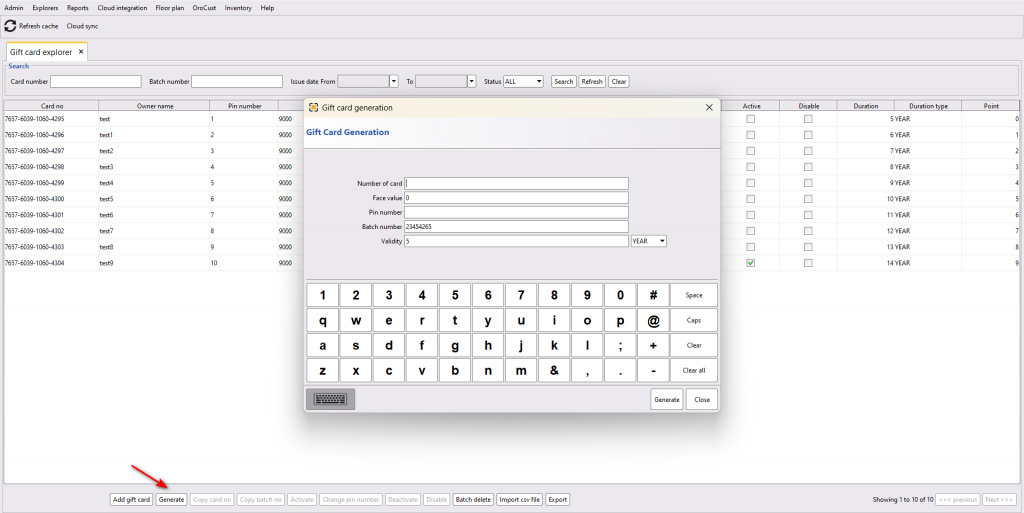
Back office–> explorers–> gift card browser–> generate–>enter the card number, face value, pin number,validity–> generate
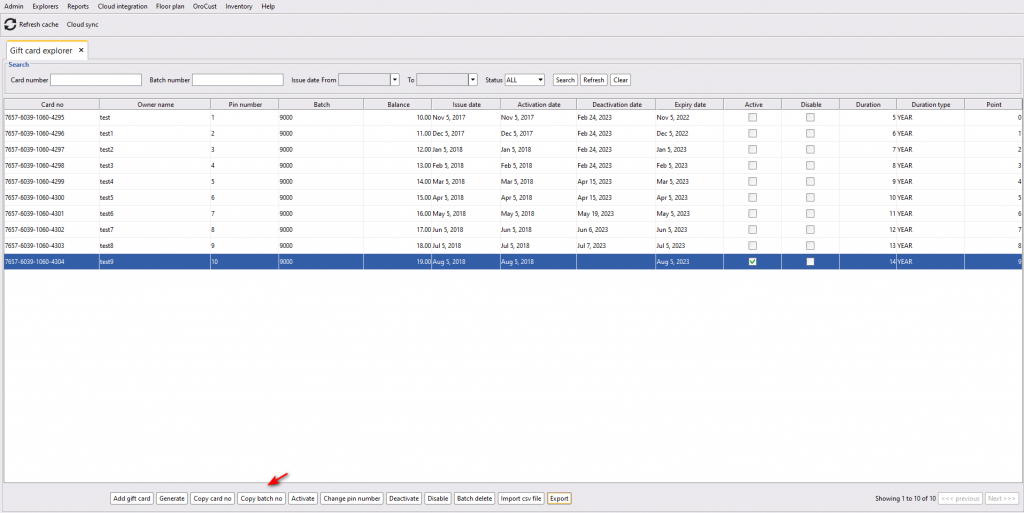
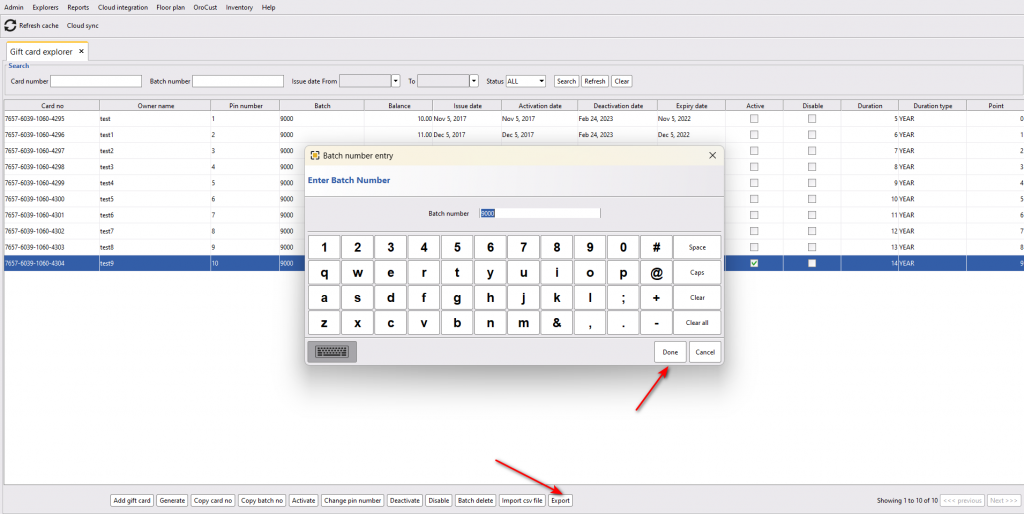
Next, you can copy the batch number and use it to export the CSV file to generate gift cards from a card-making company.
Activating Gift Card
Once a customer buys a gift card, you can activate that card for them. To activate a gift card, check the gift card number on the card and select the card from the same page and activate it. While activating, it will ask the gift cardholders name, please provide the name.
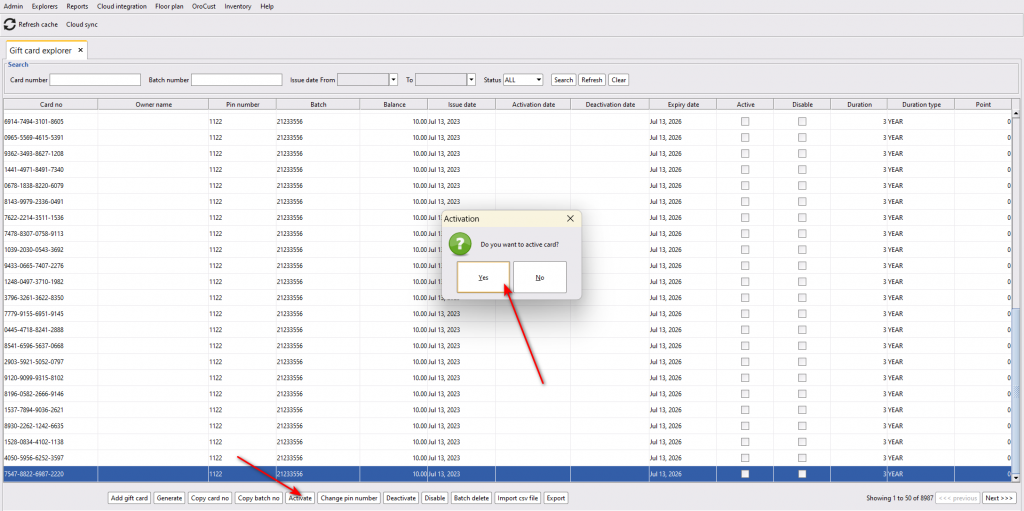
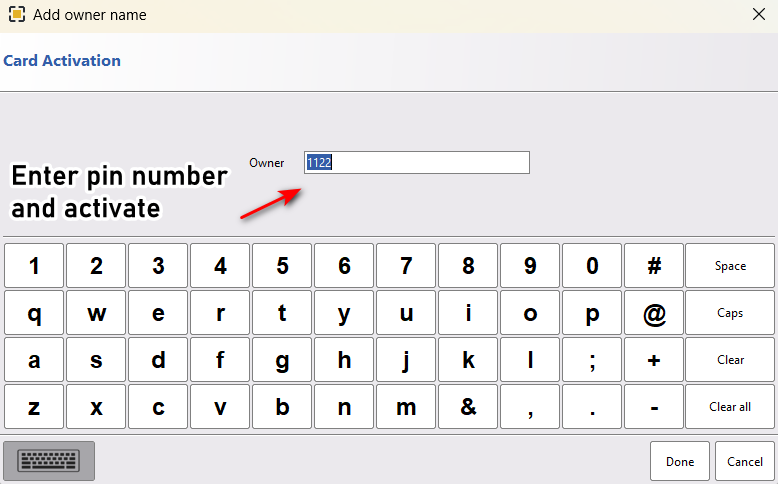
After activation, customers can use their gift card for future transactions.