

🛍️ How Customers Place Online Orders
This guide shows you (and your customers) the complete experience of ordering online through Menugreat — from finding your store to placing the order.
📌 Two Ways to Find Your Store
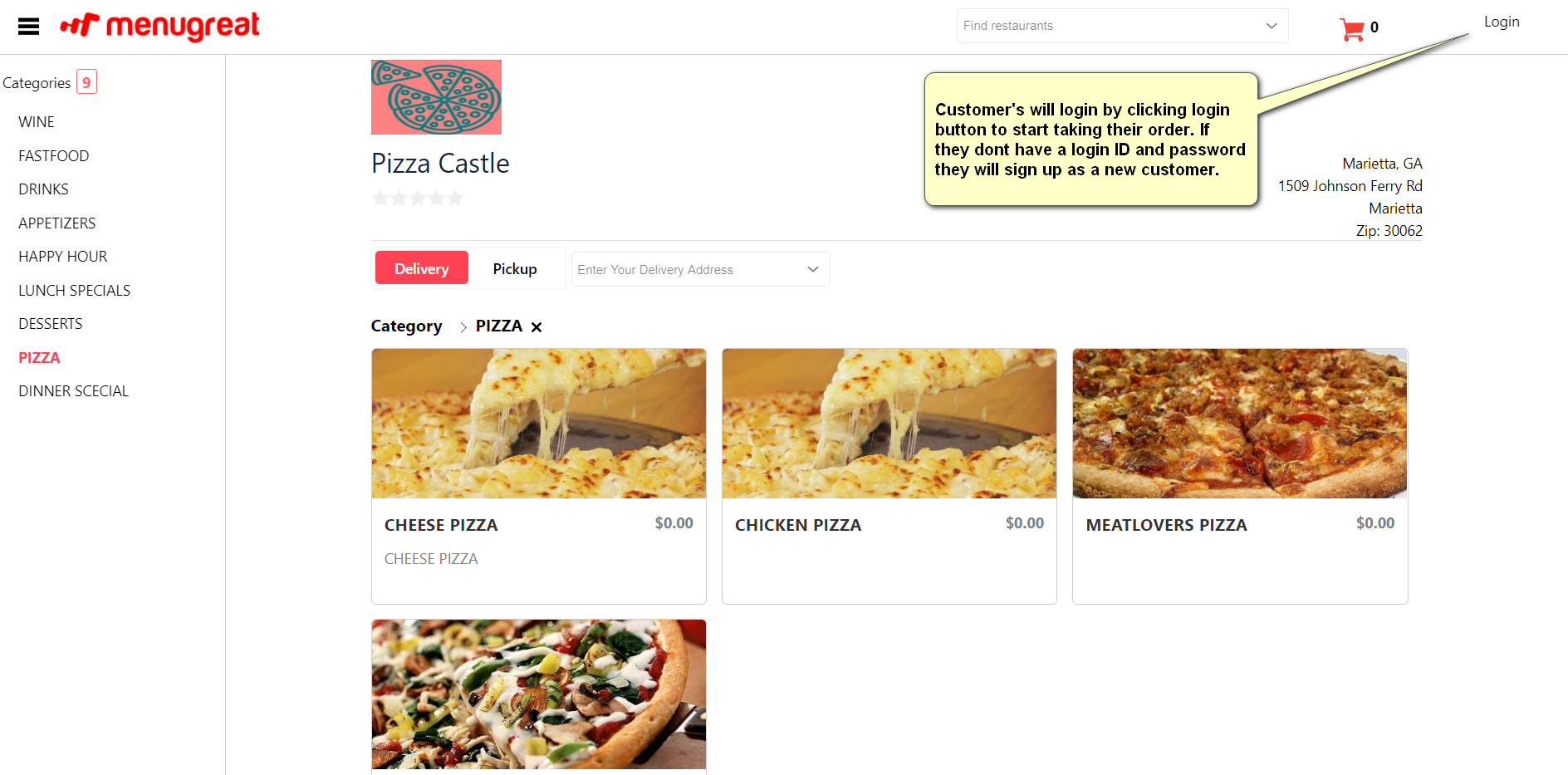
Customers can find your restaurant on Menugreat by:
- Searching by store name or zip code
- Direct URL if they know your Menugreat address
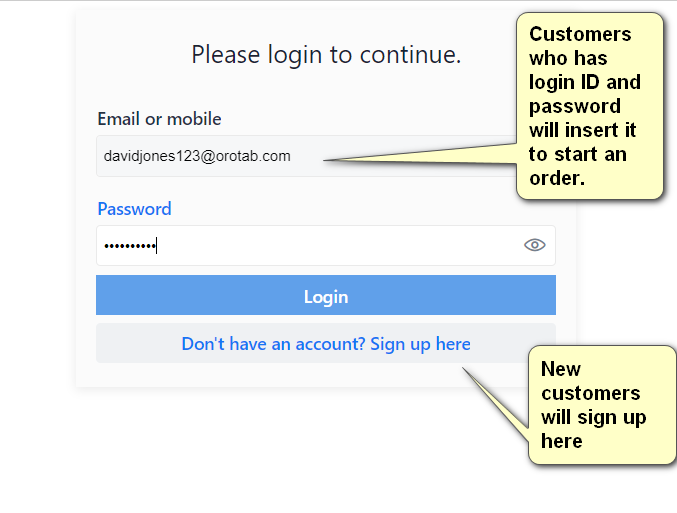
Step 1: Sign Up or Log In
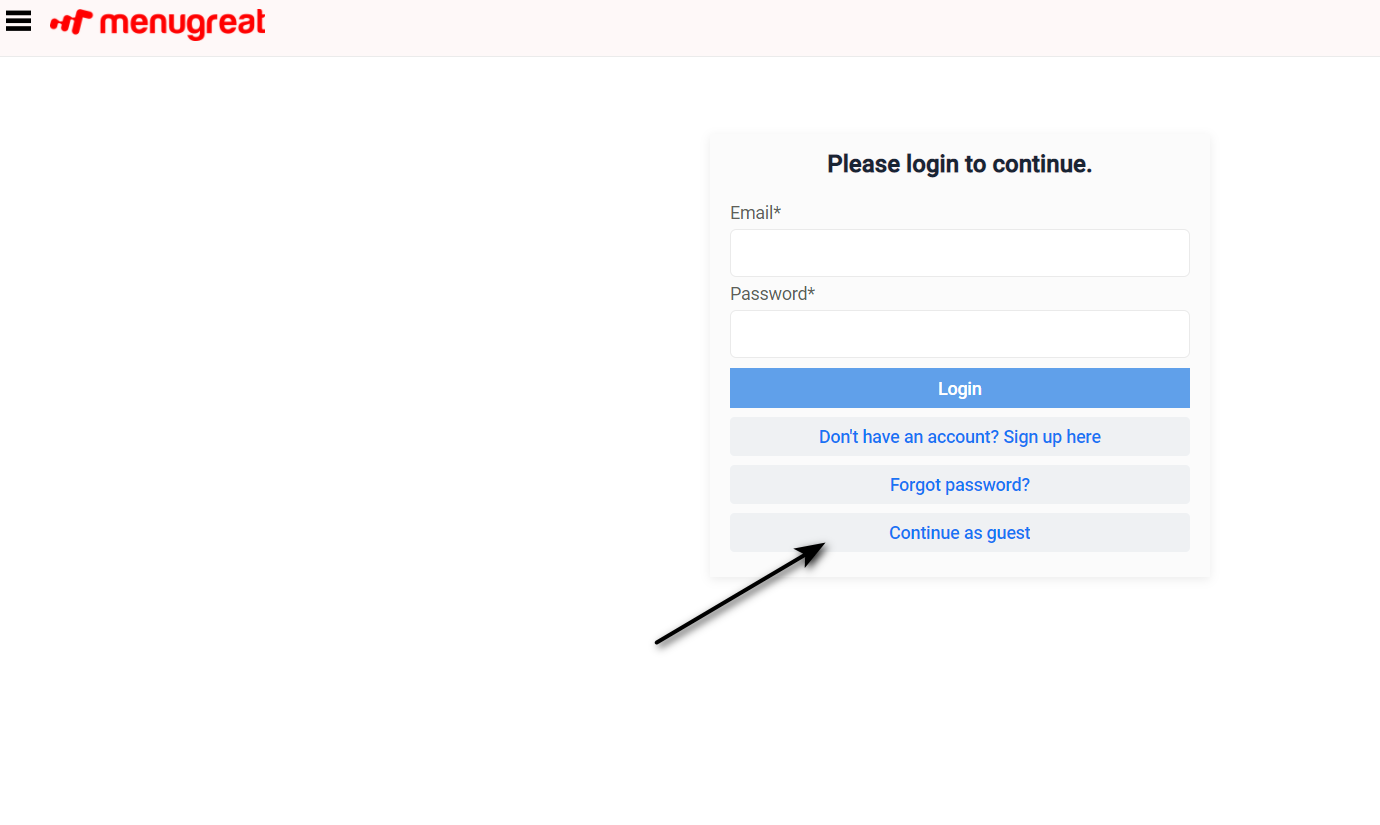
Customers can create an account or continue as a guest.
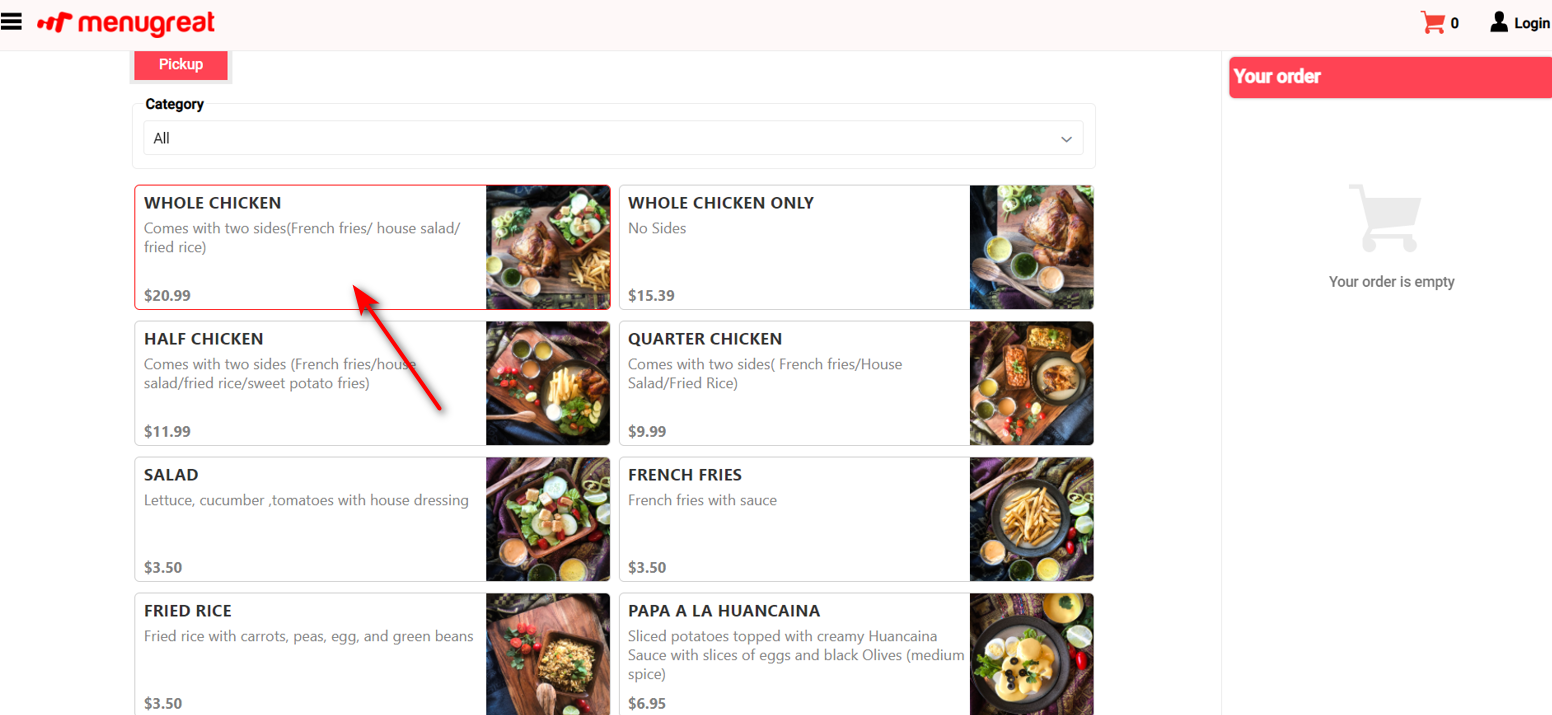
Step 2: Browse Menu & Select Items
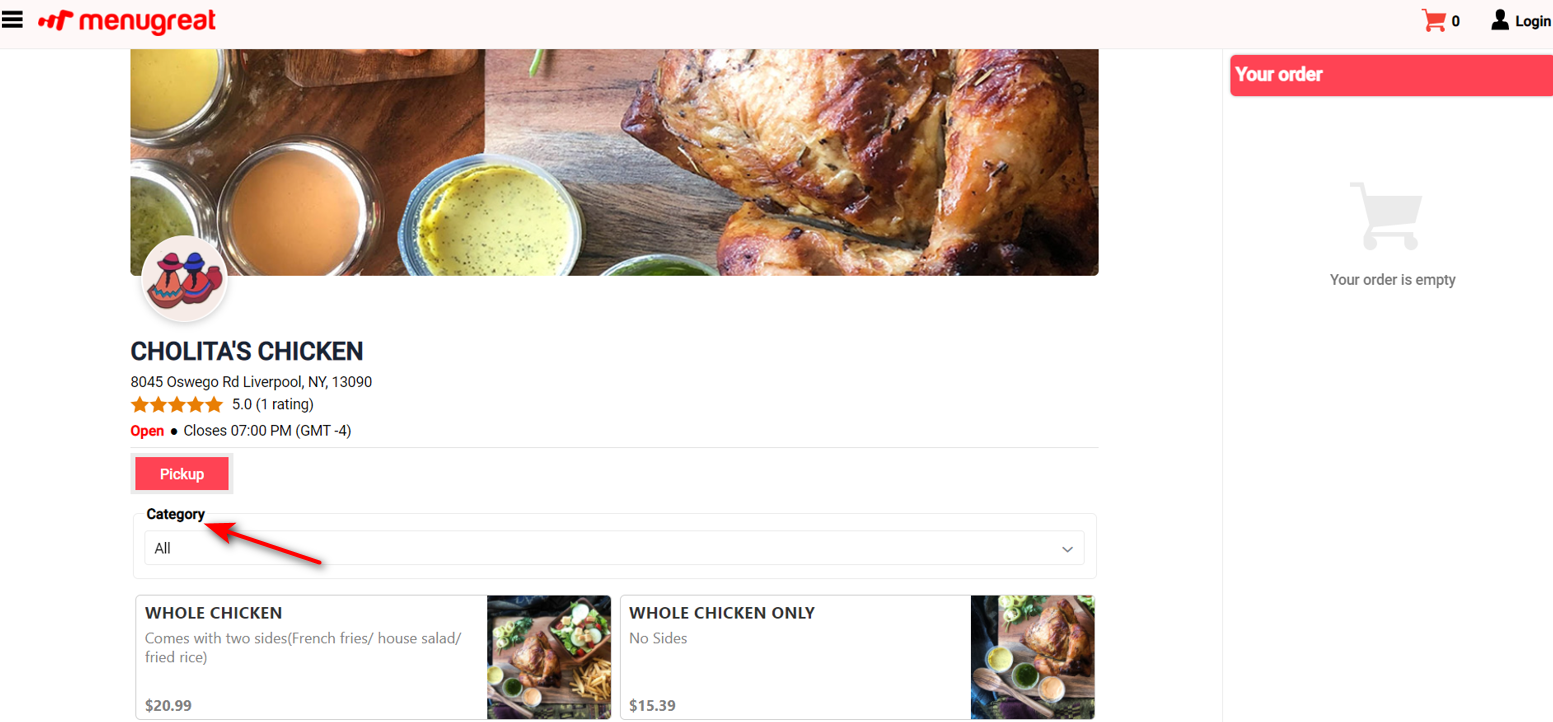
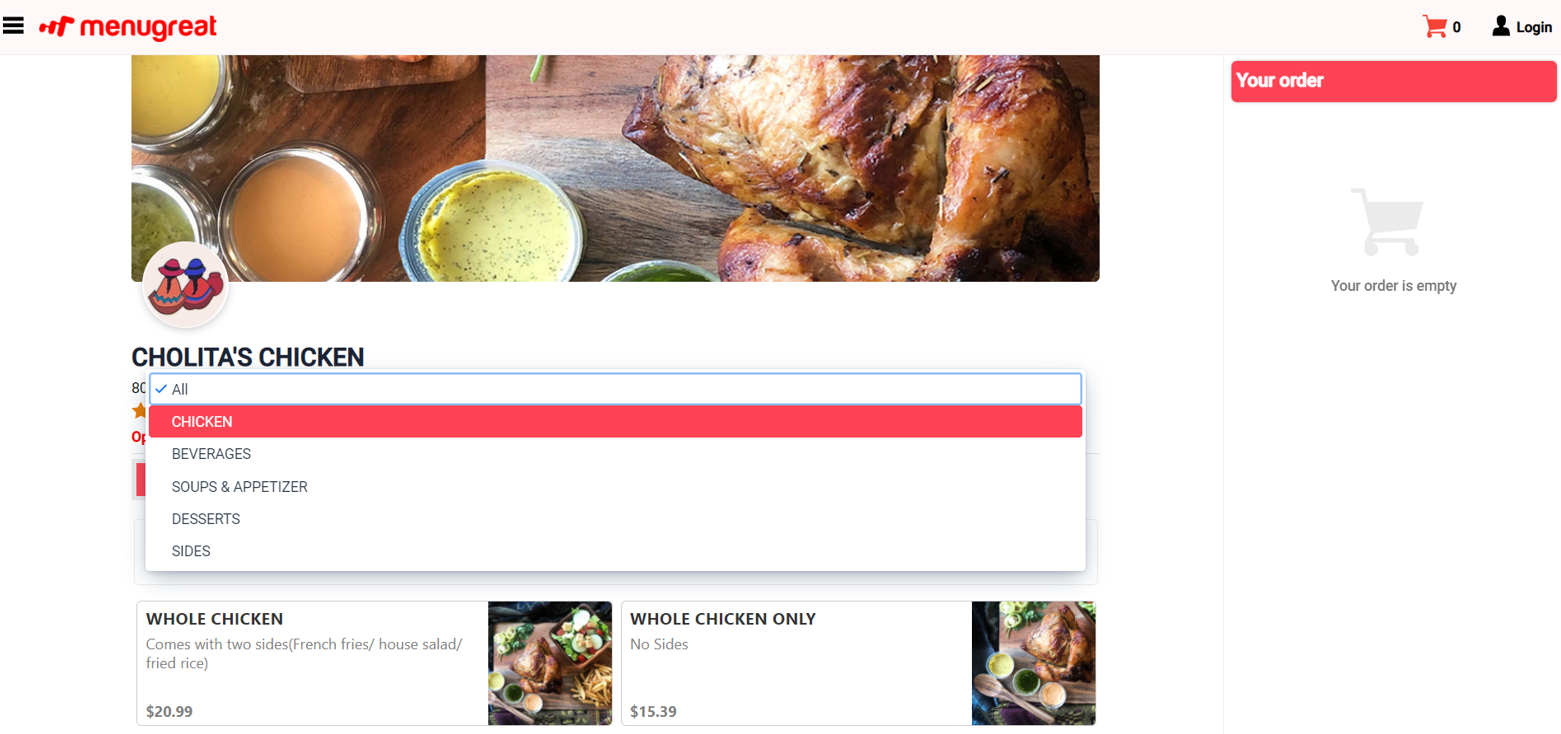
Customers browse categories and click on items to add them to the cart.
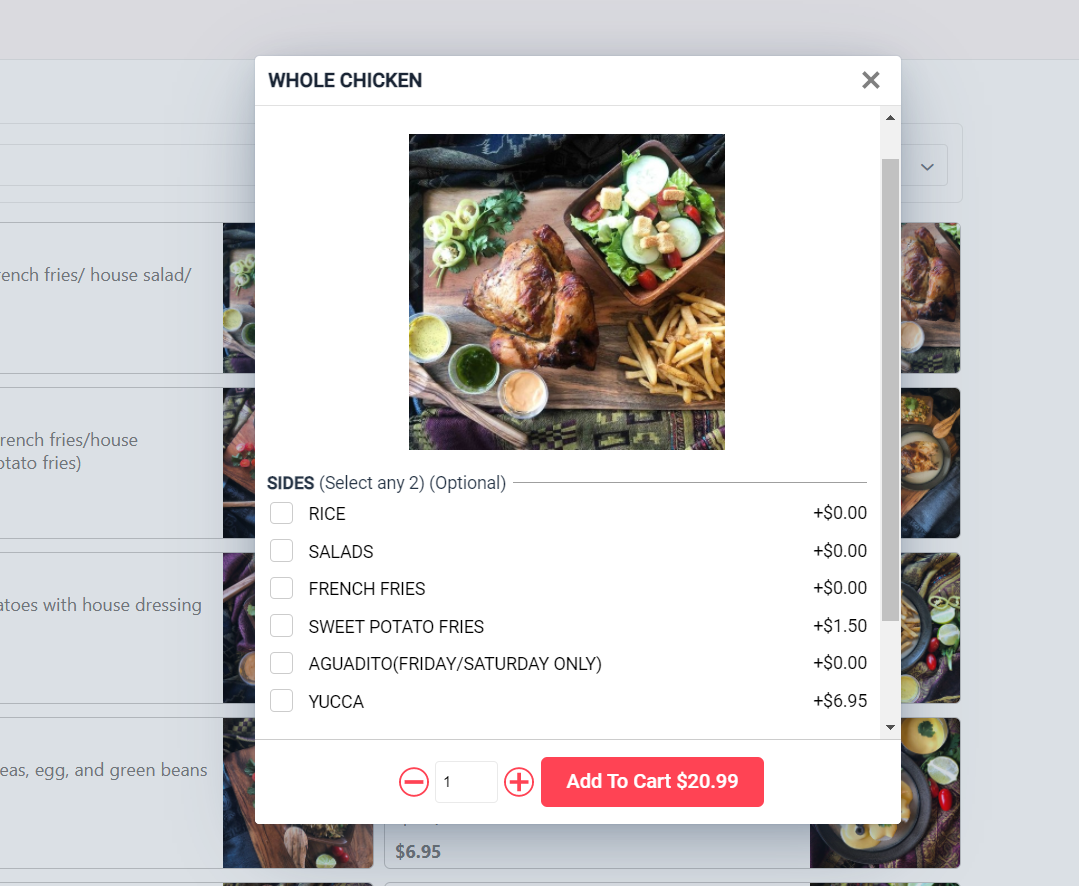
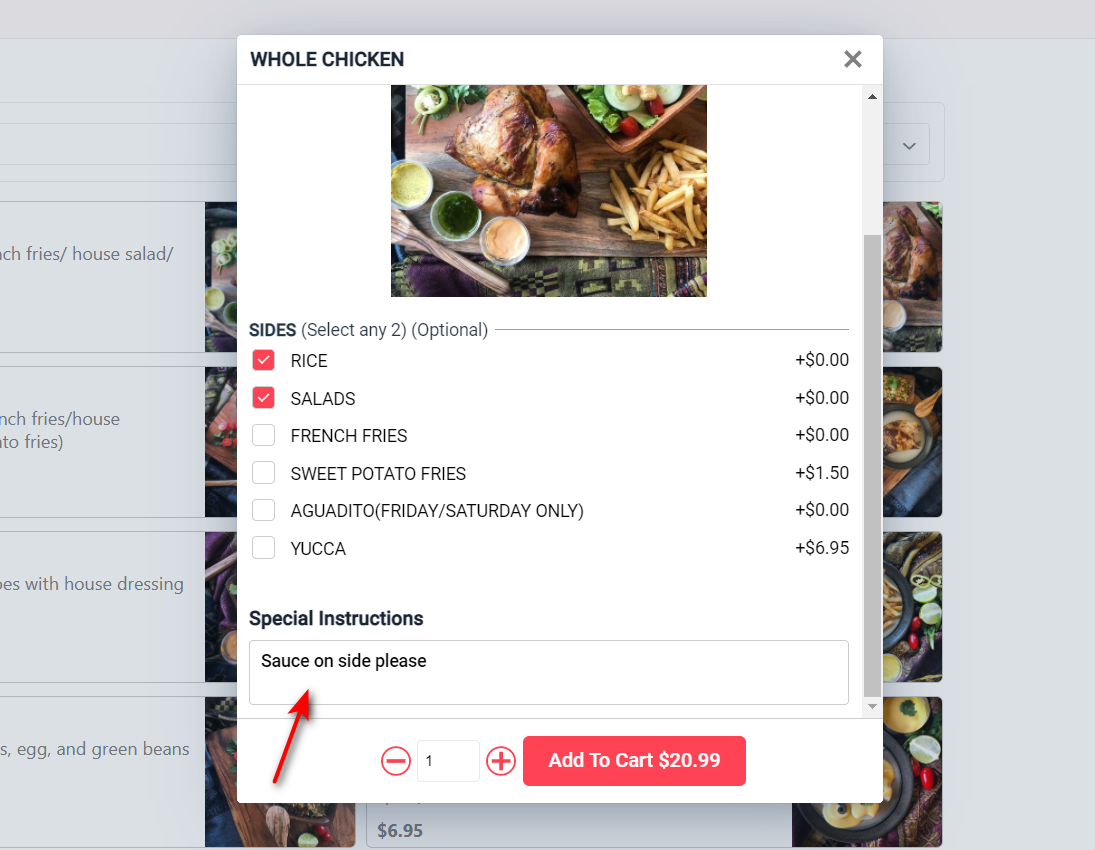
Step 3: Customize the Item
Click on a food item to see options. For example: choose sides, add modifiers, special instructions.
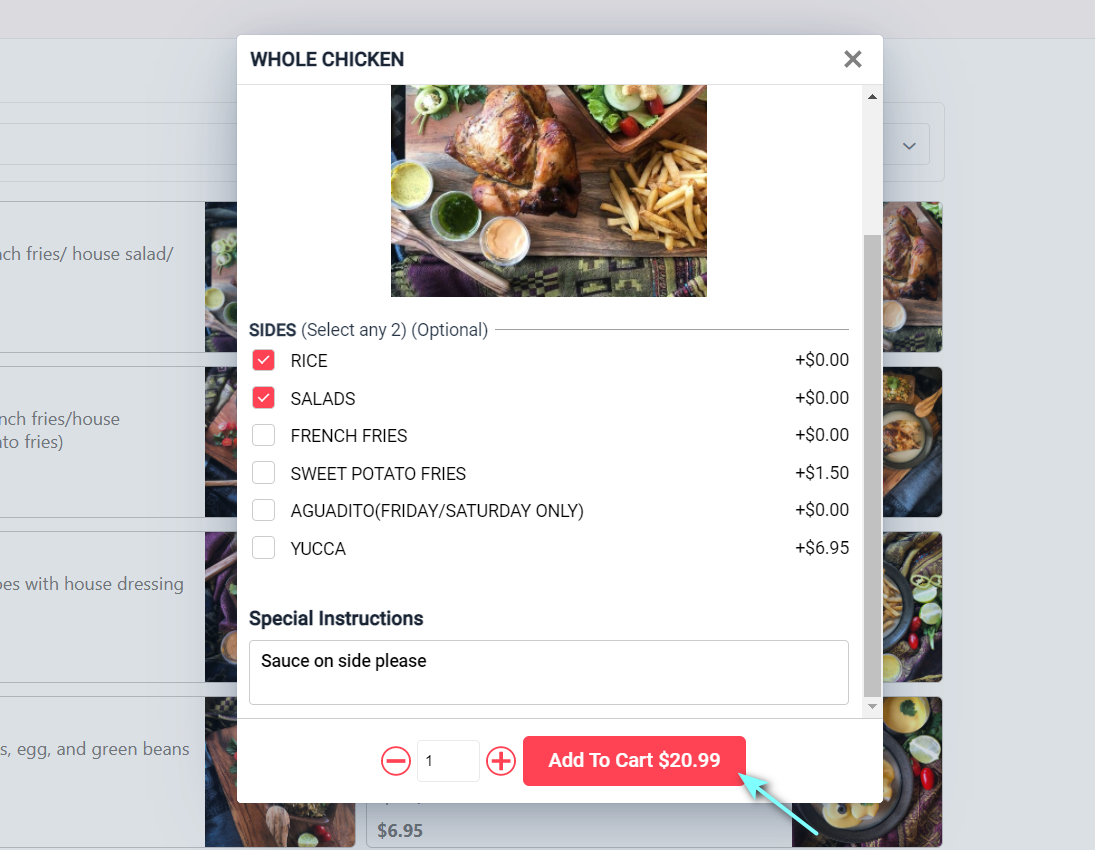
Step 4: Add to Cart
Step 5: Place Order
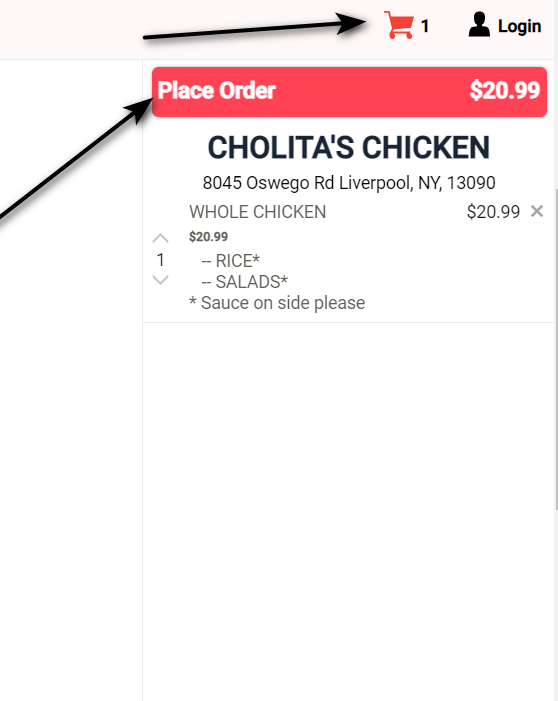
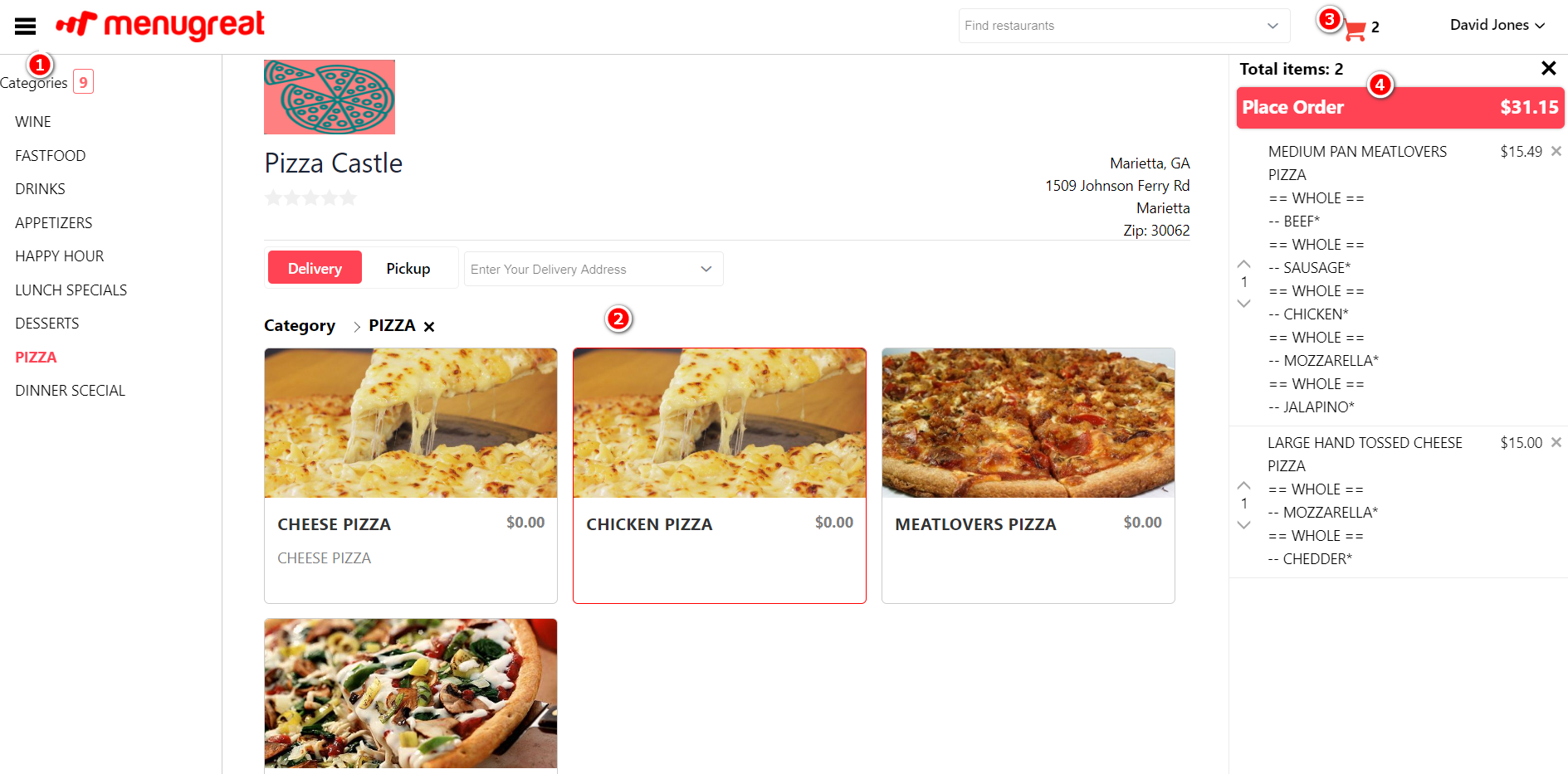
From the cart, customers see:
- 📋 Menu Categories they’re ordering from
- 🍔 Menu Items selected
- 🛒 Items added to cart
- ✅ Place Order button
Step 6: Continue as Guest (Optional)
Step 7: Order Information
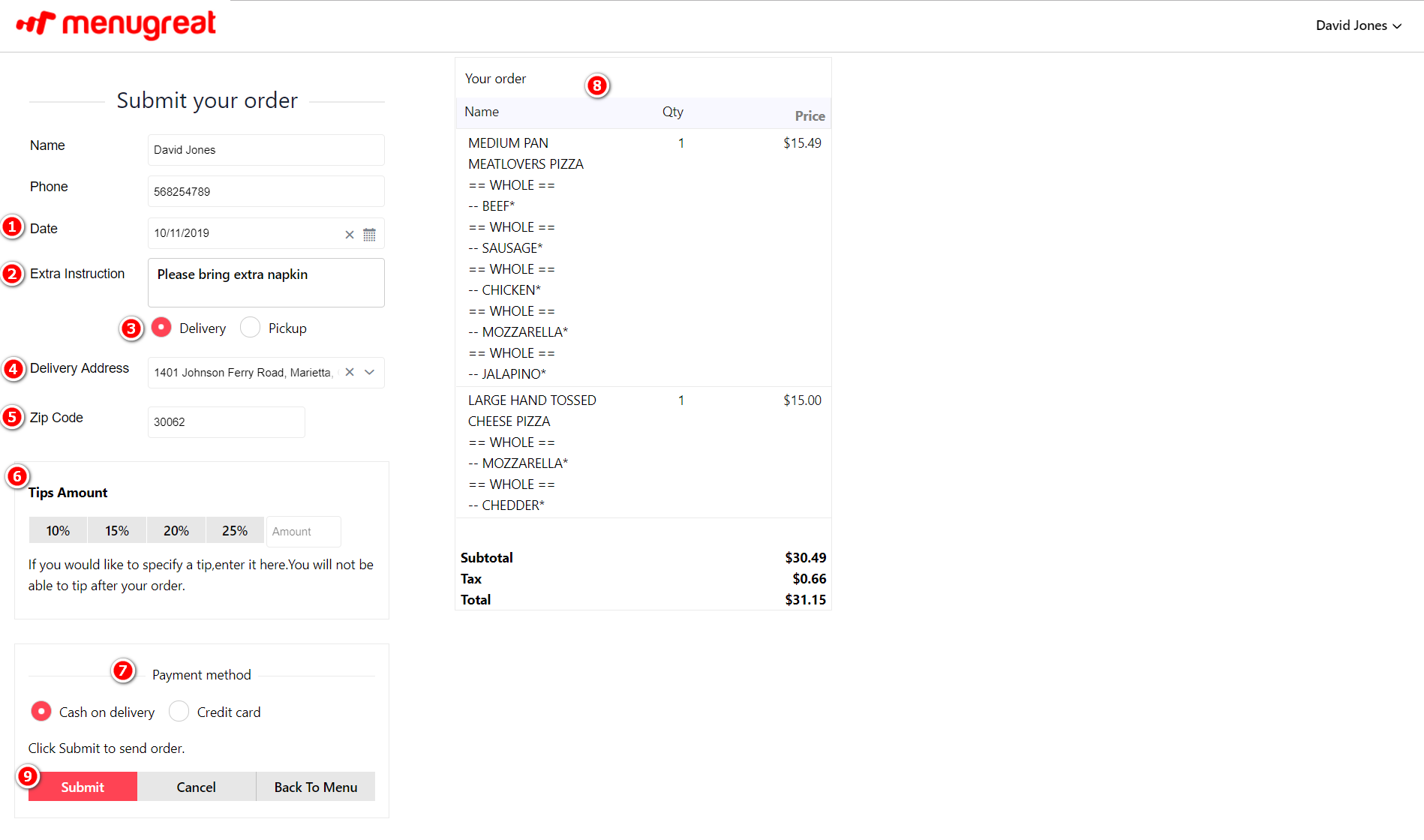
Customer fills in:
- 📅 Date (or ASAP)
- 📝 Extra instructions (optional)
- 📦 Order type (Delivery or Pickup)
- 📍 Address (for delivery — Google Maps helps find exact address)
- 📮 Zip code
- 💵 Tip amount (optional)
- 💳 Payment method
- 👁️ Review order details
- ✅ Submit order
Step 8: Order Confirmation
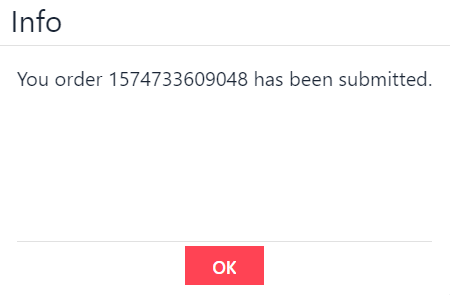
The customer sees a success message confirming their order has been received.
📞 Need Help?
Contact support at helpdesk@orocube.net