

✅ Approve Orders in the Call Center
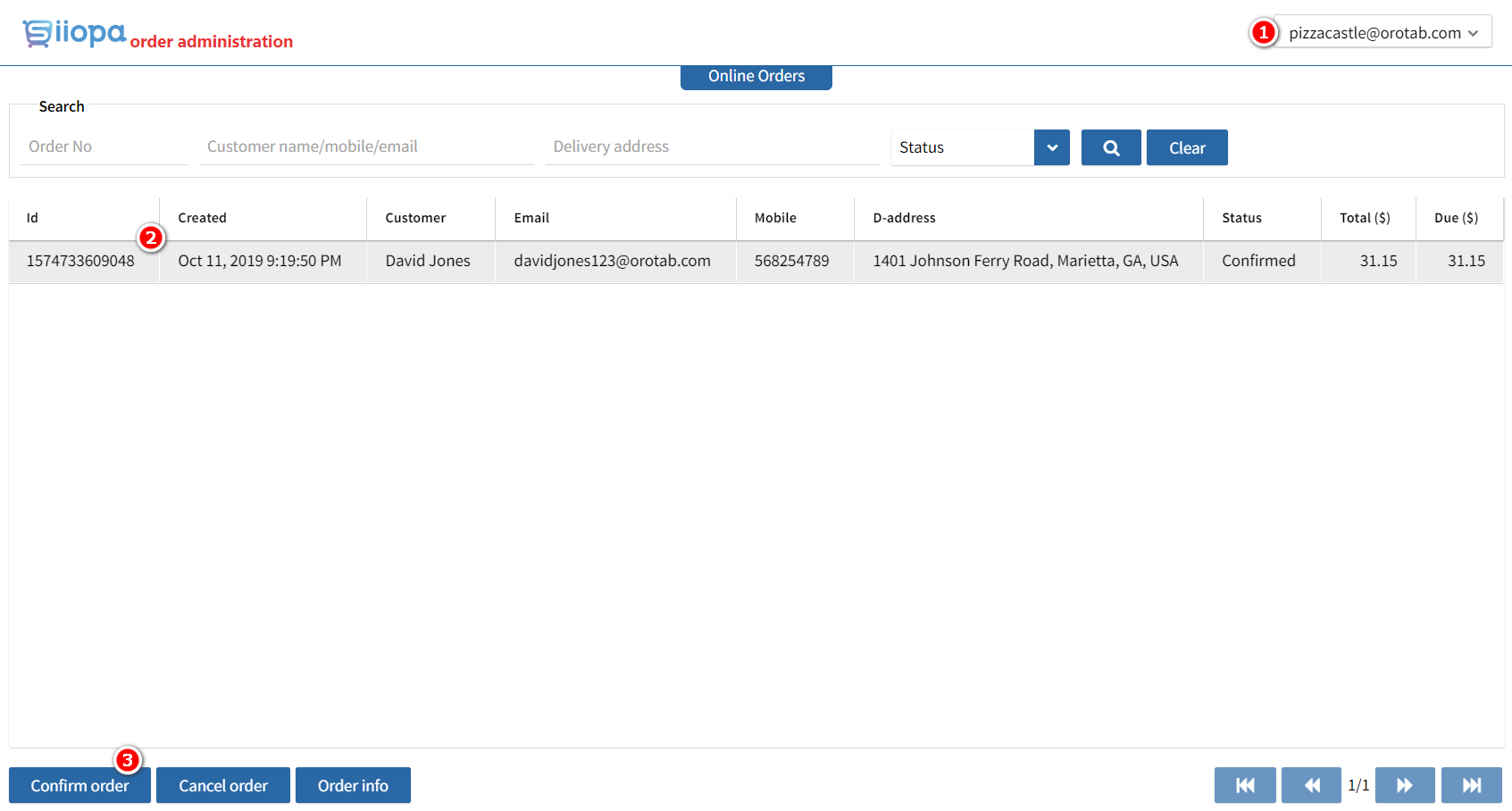
Some store managers prefer to verify each order before sending it to the kitchen. The Menugreat Call Center page lets you review and approve incoming orders.
📍 Call Center URL
Log in to: menugreat.com/console/ordermgmt
How It Works
- Customer submits an online order
- Order appears as Pending in the call center
- Store manager logs in, reviews, and approves
- System notifies customer that the order is Confirmed
- Order is pushed to the POS via real-time IoT notifications
💡 Single-Outlet Stores
If your store has only one outlet, all orders are automatically accepted and sent directly to your POS. You don’t need to use the call center page.
⚠️ Why Use the Call Center?
The call center is most useful for:
- Multi-outlet chains routing orders to specific locations
- Stores wanting to verify large orders before kitchen prep
- Catering or special-request orders that need confirmation
📞 Need Help?
Contact support at helpdesk@orocube.net